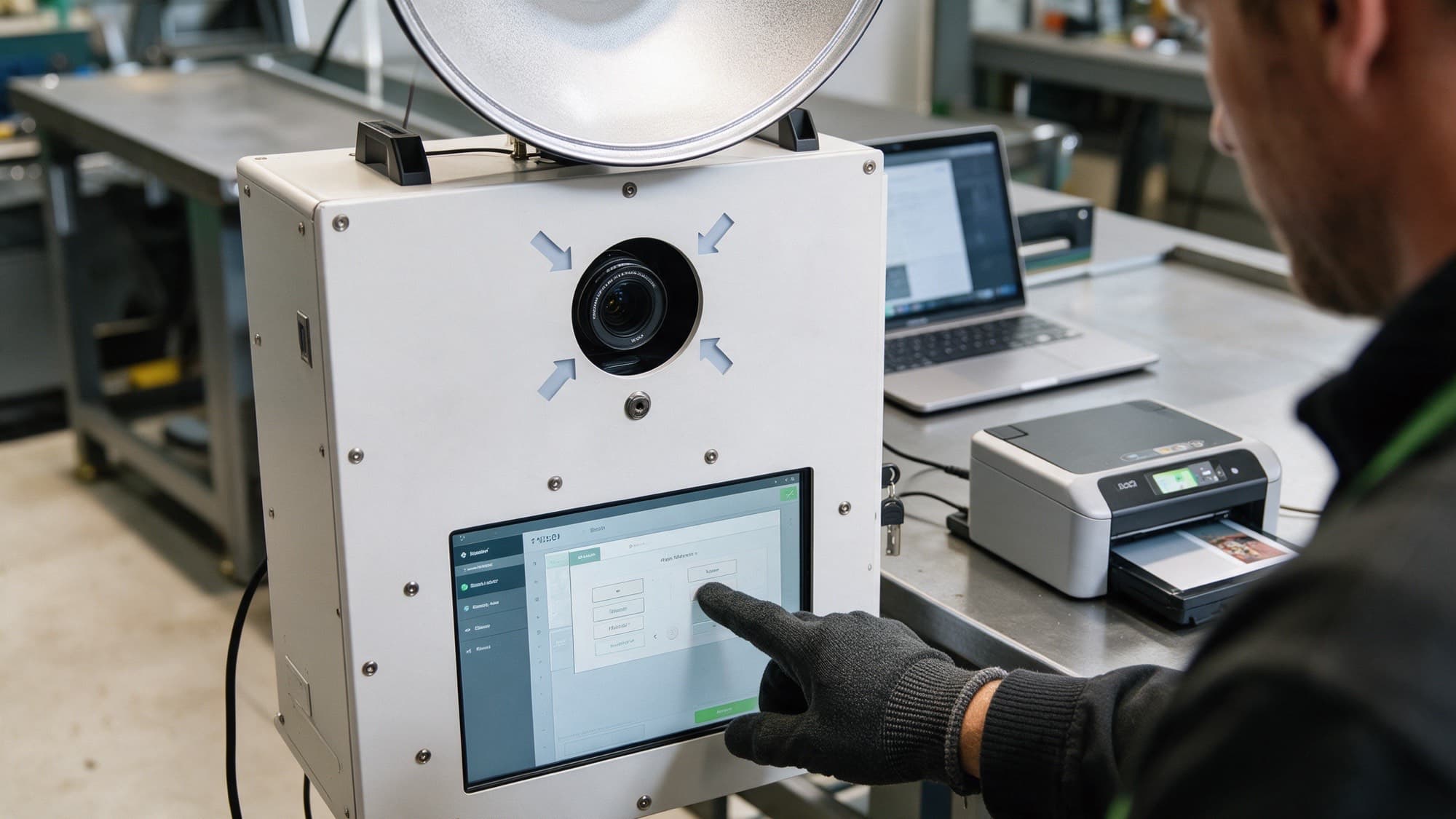
Our photo booths ship with the dslrBooth Professional software by Lumasoft, a photo booth program for Windows in widespread use for more than ten years. The developer now lists the program as LumaBooth for Windows (formerly dslrBooth); features and licence are unchanged (as of October 2026). With dslrBooth the booth becomes a system for photo, video, GIF and sharing that guests operate without instruction.
Which booth modes are there?
| Mode | What happens |
|---|
| Photo booth | Photo strips and single shots with your own layouts and overlays |
| Video booth | Short HD video clips with music for messages |
| Boomerang and GIF | Short animations for instant sharing |
| Glam booth | Beauty filter for smoothed skin |
| Mirror booth | Animated instructions and audio for the mirror booth |
| Green screen | Any background with a green backdrop |
| AI background removal | Cut-out without green screen for photos, GIFs and videos |
| Virtual attendant | AI-assisted guest guidance, the booth runs unattended |
AI background removal without green screen
The software recognises people automatically and replaces the background without a green backdrop being set up. This works with photos, GIFs and videos; guests choose their background on the touchscreen. Company logo at the trade fair or beach at the wedding: both without additional set-up. The function can be combined with boomerang and GIF.
Layouts and branding
The integrated layout designer creates photo strips, single shots and collages without a graphics program: more than 100 templates, your own layouts, logos and text, various print formats. Start screens and all guest screens can be designed freely; stickers and video overlays complement the photos. What to consider when printing is in the FAQ layout gets cropped.
Sharing and connecting
| Channel | Function |
|---|
| Social media | Direct sharing on Facebook, Instagram and other platforms |
| E-mail and SMS | Sending directly from the software, with disclaimer function for consent |
| QR code and AirDrop | Download to the smartphone without an app |
| Online album | Event gallery via fotoshare.co, see FAQ sharing via QR code |
| Lumashare iPad app | Additional screen for viewing, sharing and printing |
Contactless operation and remote control
Guests scan a QR code on the start screen and control the booth from their own smartphone, without an app and without touching the screen. Operators monitor the booth with the Booth Copilot companion app: live statistics on shares and prints, remote control, camera settings, activation and deactivation, push notifications in case of problems. Paid prints via QR-code payment are possible too.
Licence and updates
The Professional licence is included with our complete systems. It is permanent and may be installed on two computers; updates to new program versions are included in the first year. After that the installed version keeps running unchanged, see FAQ renew licence. If you want new features, you extend the update subscription with the developer (according to Lumasoft around 17 US dollars per month with annual payment, as of January 2026; current terms at dslrbooth.com).
Compatible cameras and accessories
dslrBooth works with Canon and Nikon DSLRs, mirrorless cameras and webcams; the list is on the page Supported cameras. Our LED ring and the wireless buzzer are matched to the software; drivers and guides are under Downloads. The guide Photo booth software compared offers a comparison with Breeze and Darkroom; the help centre has further answers.
 Deutsch
 English